Digital ID
Your SC4 ID Right on Your Phone
QUICK & EASY
Get Started in 3 Easy Steps
1
Access
Access your SC4 Digital ID Portal to get started.
2
Sign In
Sign in using your SC4 username and password.
3
Open Your ID
Select the ID button in the upper right corner to view your Digital ID.
One ID. Lots of Possibilities
Your digital ID connects you to the things you use across campus and the community.
Campus ID
Your official SC4 student ID.
Meal Plan
Quick access to your meal plan.
Campus Cash
Make purchases around campus.
Bus Pass
Use your ID when riding the bus.
Campus Check-In
Check in at participating offices.
Events
Use your ID for discounts and free admissions to events.
MEALS & CAMPUS CASH
Everything you need to dine on campus
Add funds to your Atrium account for Campus Cash or purchase meals at the SC4 Dinnerhouse.
Add Campus Cash
Add money to your Atrium account and use your SC4 digital ID for purchases around campus.
Purchase a Meal Plan
Make dinning on campus easy. Purchase meals to use at the SC4 Dinnerhouse.

DIGITAL WALLET
Keep your ID even closer
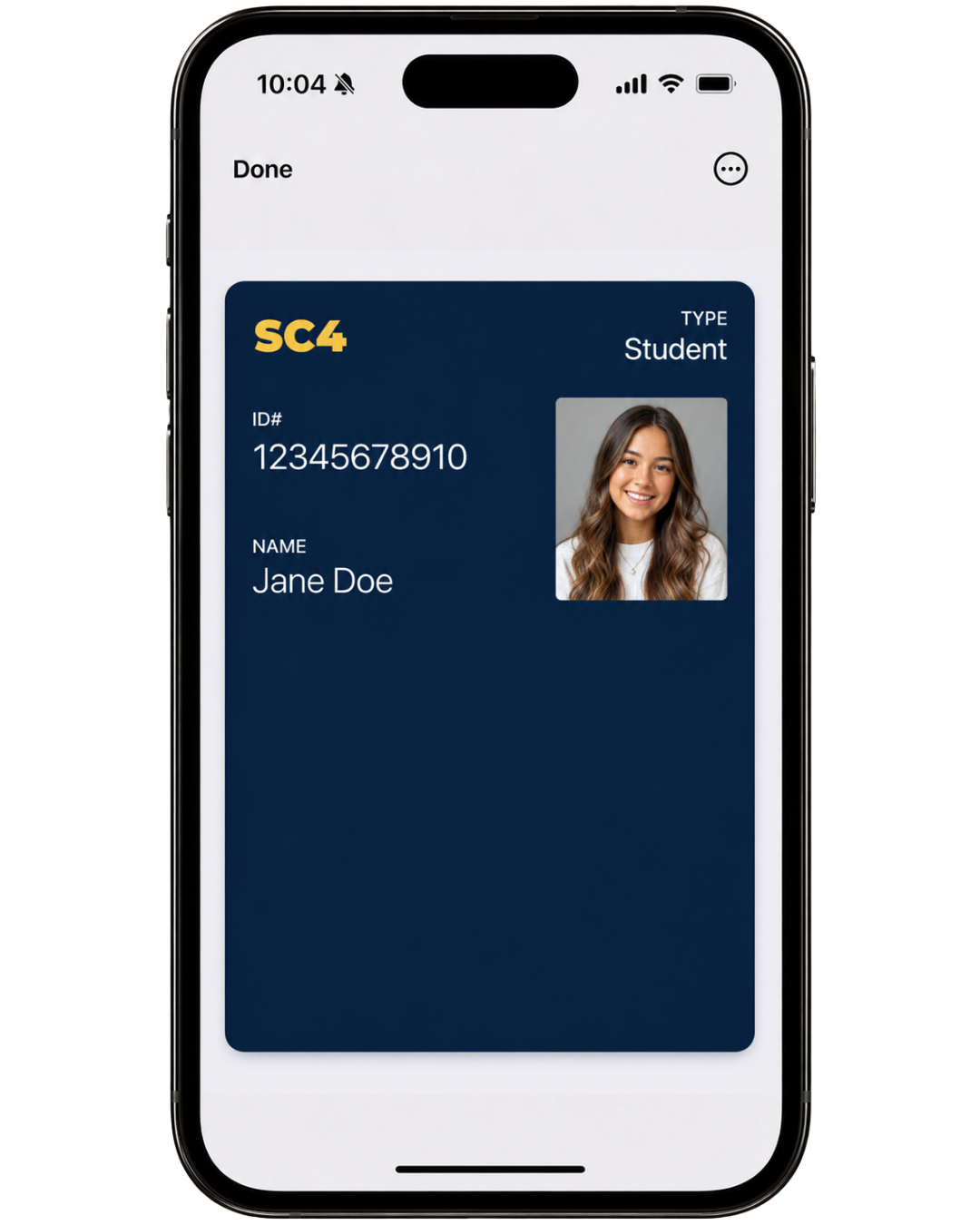
Add your SC4 Digital ID to Apple Wallet or Google Wallet for quick access.
Questions? We’re here to help.
SC4 Office of Information Technology
helpdesk@sc4.edu or 810-989-5858